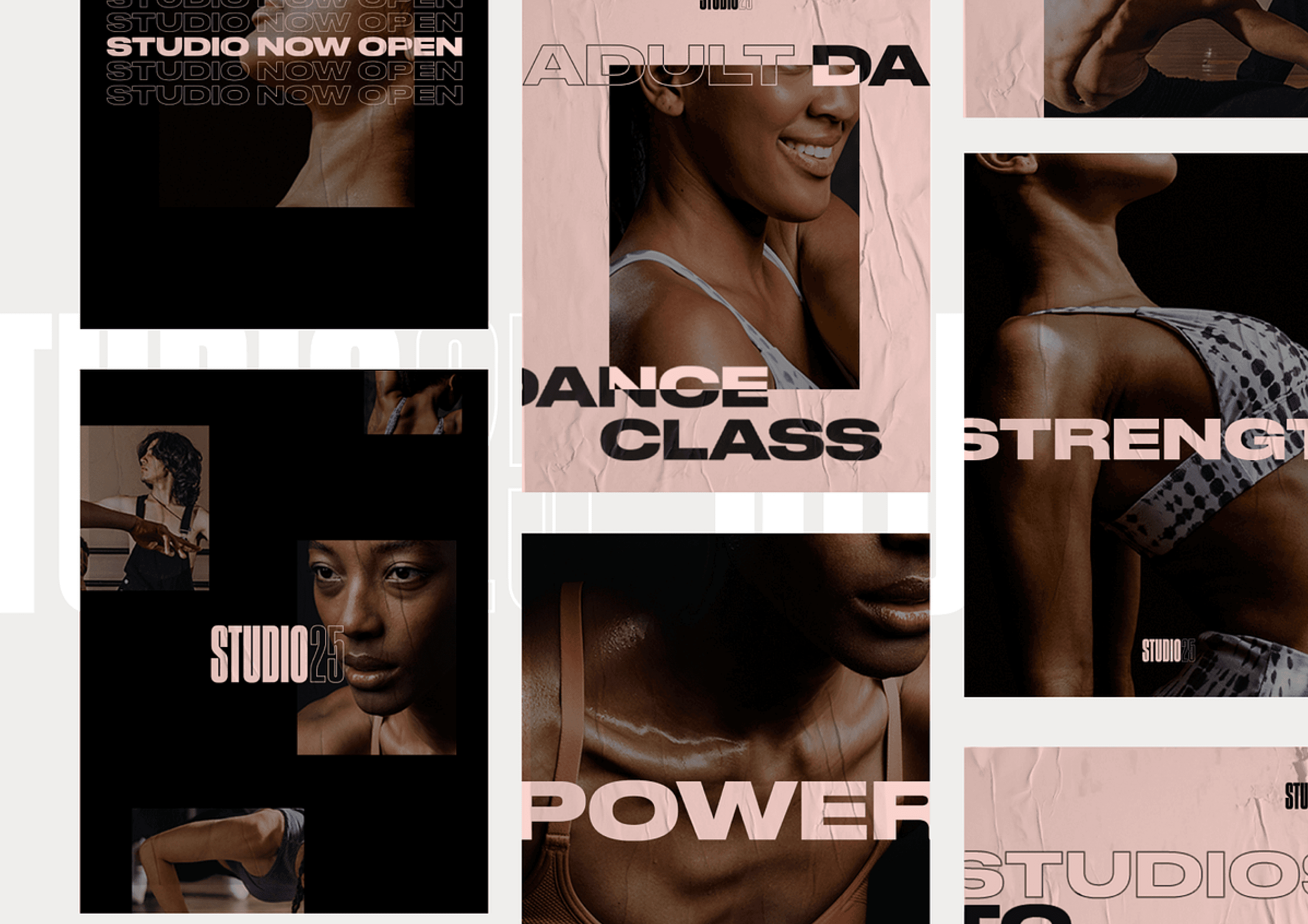
Graphic Design Course by Vixe Academy

Graphic Design - For Beginners and Intermediates

Online - ₦40,000, Physical - ₦80,000

The Graphic Design Course is structured for both beginners and intermediates interested in beginning and enhancing their design journey, abilities, comprehension, and expertise. Accessible through both online and physical classes.

Introduction to Graphic Designing.

Visual Elements and Principles of Graphic Design.

Getting started with Adobe Photoshop & CorelDRAW.

Steps to Creating your first Designs and other designs for socials, web & print using Adobe Photoshop & CorelDRAW.

Creating your Portfolio (Online and Offline).

Register

Software requirement:

  • Figma Desktop App or Browser is fine.

  • Adobe Photoshop 2022 above is fine.

  • CorelDRAW 2021 and above is fine.

Course Content

  1. Phase 1 - Introduction to Graphic Design.

  2. Phase 2 - Visual Elements of Graphic Design.

  3. Phase 3 - Principles of Graphic Design.

  4. Phase 4 - Practical (Adobe Photoshop or CorelDRAW).

  5. Phase 5 - Practical (Figma or Affinity).

Download the course curriculum to see the details of each Phase.

Software requirement:

  • Figma Desktop App or Browser is fine.

  • Adobe Photoshop 2022 above is fine.

  • CorelDRAW 2021 and above is fine.

Course Content

  1. Phase 1 - Introduction to Graphic Design.

  2. Phase 2 - Visual Elements of Graphic Design.

  3. Phase 3 - Principles of Graphic Design.

  4. Phase 4 - Practical (Adobe Photoshop or CorelDRAW).

  5. Phase 5 - Practical (Figma or Affinity).

Download the course curriculum to see the details of each Phase.

Software requirement:

  • Figma Desktop App or Browser is fine.

  • Adobe Photoshop 2022 above is fine.

  • CorelDRAW 2021 and above is fine.

Course Content

  1. Phase 1 - Introduction to Graphic Design.

  2. Phase 2 - Visual Elements of Graphic Design.

  3. Phase 3 - Principles of Graphic Design.

  4. Phase 4 - Practical (Adobe Photoshop or CorelDRAW).

  5. Phase 5 - Practical (Figma or Affinity).

Download the course curriculum to see the details of each Phase.

Register

Create a free website with Framer, the website builder loved by startups, designers and agencies.